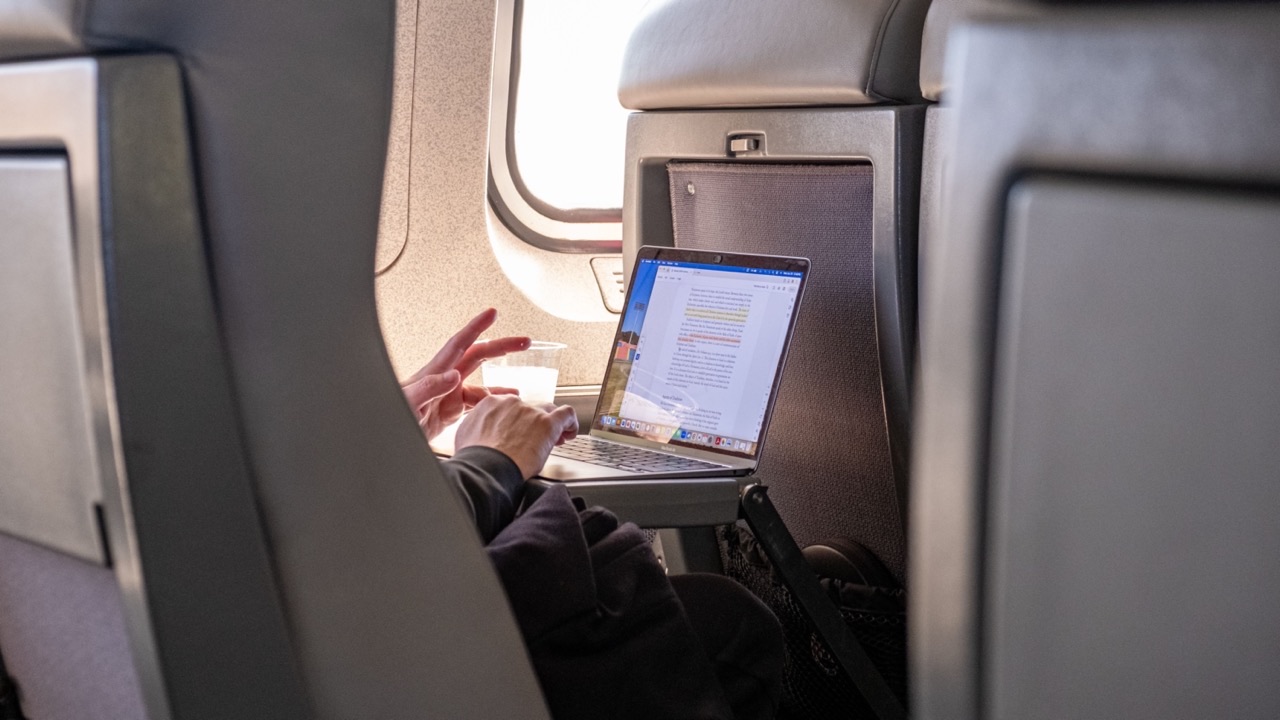
The One Desk Change That Actually Made My Video Calls Better
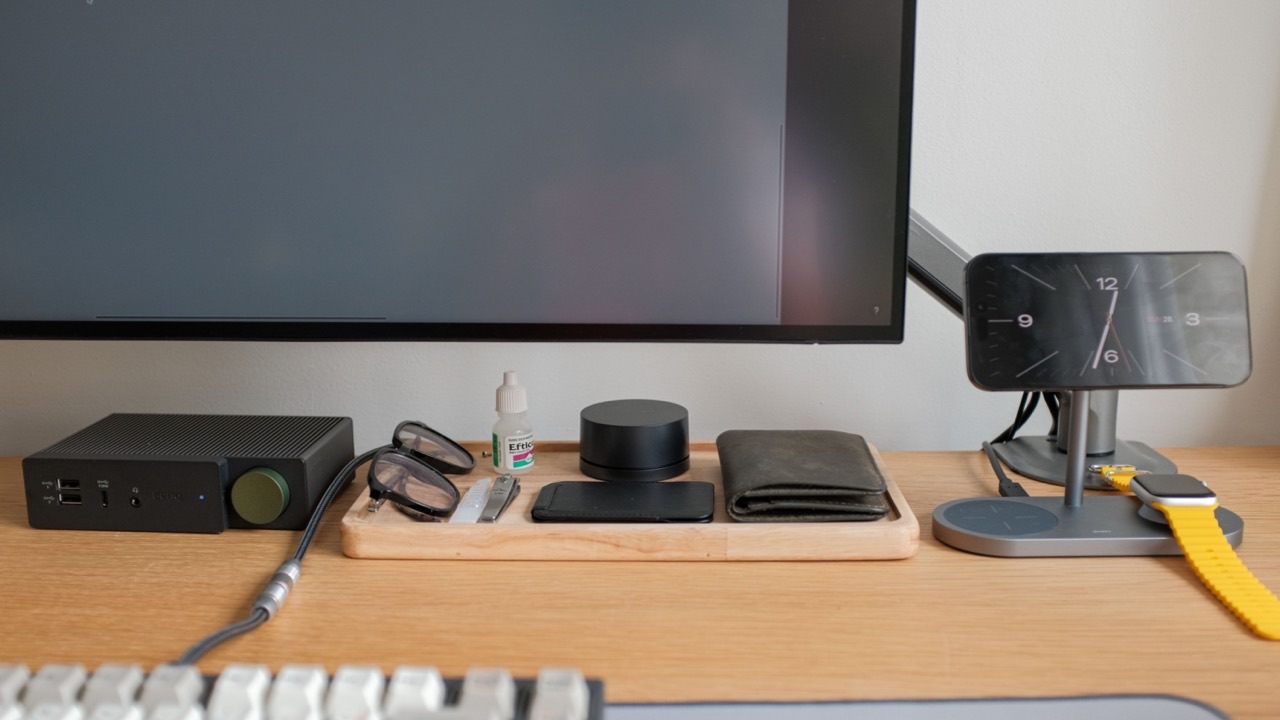
I’ve spent a lot of time trying to improve how I come across on video calls. Better lighting, a dedicated microphone, adjusting the camera height on my monitor. All of it helped to some degree. The one thing I didn’t think to address for a long time was where my phone was sitting — and it turned out to matter more than most of the other changes combined.
Not because the phone is the camera I use for calls. It isn’t. But because of what having the phone in the wrong place does to my attention and behavior during a call.
The phone problem in meetings
When a phone is face-up on a desk during a call, every notification is a decision. Something comes in, you see it in your peripheral vision, and you either look at it — in which case your eyes visibly shift away from the camera — or you resist looking at it, which takes some amount of attention. Neither outcome is neutral. The person on the other end of the call can usually tell when something on the desk has pulled part of your attention, even if they can’t see what it is.
The standard solution is to flip the phone face-down or put it in a drawer. This works for the distraction problem but creates a different problem: you lose the ability to use the phone for anything useful during the call. Looking up a reference number, checking a detail the other person mentioned, switching to the phone if the video connection drops — all of these require picking up the phone, which is awkward in the middle of a conversation.
A phone upright on a stand, positioned just outside the camera’s field of view, solves both problems at once. Notifications are visible to you but not to the camera. The phone is accessible without requiring you to pick it up from the desk surface. You can glance at it without visibly looking away. And if you need to switch to a phone call, the handoff takes one motion.
Where the stand gets placed matters
The position of the stand relative to the camera changes what it does for your on-camera presence. If the stand is directly in front of you, behind the laptop or monitor, the phone is in the same line of sight as the camera — glances toward it won’t look like distraction to the person on the call, because you’re looking in roughly the direction of the camera anyway.
If the stand is off to the side, glances toward it pull your eyes away from the camera, which reads the same way a face-down phone check does. The setup that works is having the stand close enough to the camera that the phone is in the same general direction you’d look when paying attention to the call.
This took some adjusting on my end before it felt natural. Once the positioning was right, the phone became a usable reference tool during calls rather than a distraction management problem.
The MagSafe piece
The practical issue with most phone stands during calls is the repeated action of setting the phone down correctly when you’re done with it. If you’ve picked the phone up to check something and you’re trying to follow up on what the other person is saying, you don’t want to spend cognitive effort on placing the phone back precisely.
A magsafe phone stand handles this by snapping the phone back into position automatically. You set the phone near the stand and the magnets take over — no aiming for a slot, no checking that it’s seated. That friction removal means you actually use the stand as intended rather than just setting the phone down somewhere nearby and defeating the purpose.
The charging integration is a secondary benefit during calls but a real one: the phone is charging the entire time it’s in the stand, which means it comes out of a long call session with more battery than it started with rather than less.
What actually changed
The change I noticed most wasn’t the notifications management, although that improved. It was that I stopped having the mild low-level anxiety about missing something important during a long call. When the phone is visible and accessible, the background sense of wondering what might have come in while I’m occupied goes away. The call gets more of my attention because there’s less residual attention directed elsewhere.
That’s a harder thing to attribute to a specific product than “it makes your calls look more professional” — but it’s the thing that actually changed about how I experience long video sessions. The stand made the phone part of the working environment rather than a competing distraction that happens to be in the same room.
Whether the setup is worth the thought
I wouldn’t have predicted before trying it that phone placement would be in the top five things affecting my video call experience. It seems like a secondary detail compared to camera quality, lighting, and audio. In practice, the friction of the phone interaction during calls — picking it up, putting it down, deciding whether to check it — accumulates over a long day of remote work in a way that’s easy to underestimate until you’ve set it up differently.
The stand is a small, inexpensive object. Its effect on the experience of working through a video-heavy day is larger than the object itself suggests.